Self Storage Kiosks vs. a Mobile-First Website: Which One Rents More Units?
· Storagely · 6 min read · Updated
What a self storage kiosk does, its pros and cons, and how a mobile website with a QR code lets renters rent, pay and sign on their own phone.
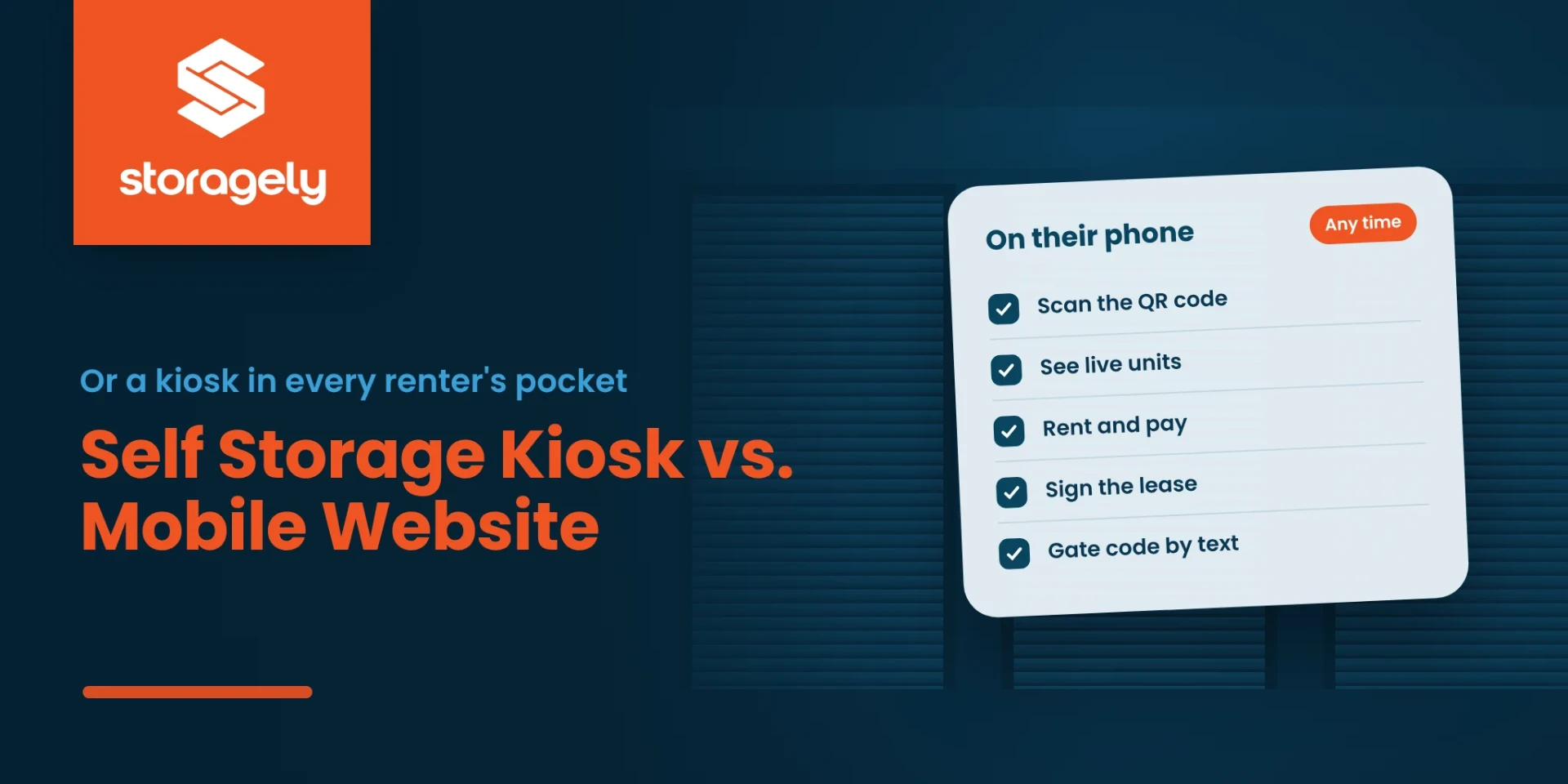
A self storage kiosk lets renters rent a unit, pay and sign a lease at your facility without staff. For operators running lean or unstaffed sites, that's appealing. But almost every renter already carries a screen that can do the same thing. This guide covers what kiosks do, where they help and where they fall short, and how a mobile-first website with a QR code on your property can do the same job.
What a self storage kiosk does
A self storage kiosk is a self-service station, usually at the office or the gate. Kiosks commonly let renters:
- choose a unit and see live prices and availability from your management software;
- sign the lease, often with a digital signature and an ID scan;
- buy protection and, on some models, a lock;
- pay rent by card, cash or bank transfer;
- talk to a live agent by video or phone, on many models.
Based on "The Self-Serve Advantage: Adding a Kiosk to Your Self-Storage Operation", Inside Self-Storage.
The benefits of a kiosk
- Rentals and payments after hours, when the office is closed.
- Staff time freed up for sales, collections and maintenance, and the option to staff only busy hours.
- Shorter waits at the counter during busy times.
- Fewer data-entry errors, because the renter enters their own details.
- A self-service option for renters who'd rather not talk to anyone.
The drawbacks
- Upfront cost for the hardware, installation and support.
- Upkeep: weather, lighting, vandalism and technical problems all need attention.
- One location, one screen. The renter has to be standing at your facility, in front of the kiosk.
- Adoption. Some renters want a person, and staff need to promote the kiosk for it to get used.
- Planning. Placement, signage and how it fits your process all decide whether it pays off.
The kiosk renters already carry
Most of what a kiosk does, a renter's phone can do, if your website is built for it. They can choose a unit, see live prices, pick protection, pay and sign the lease, from the parking lot, the gate, or their couch at midnight.
The difference is where the renter can do it. A kiosk works only at your facility, on one screen, during the hours it's working. A mobile website works anywhere, on a screen the renter already knows how to use, for every location you run.
Turn your property into a kiosk with a QR code
Put a QR code where a kiosk would go: on the office door, at the gate and on your signs. Scanning it opens that location's page on the renter's phone, with units, prices and the rental ready to go.
- At the office door after hours: "Office closed? Rent now in about 60 seconds."
- At the gate: for renters who drive by and want to see what's available.
- On your signs: for traffic passing the facility.
- In the office: so a busy manager can hand a waiting renter a faster option.
Point each QR code at the specific location page, not your homepage. Use a code that's easy to scan from a few feet away, and test it on several phones before you print it.
Kiosk vs. mobile website with a QR code
| Self storage kiosk | Mobile website with a QR code | |
|---|---|---|
| Where renters can use it | At the kiosk, at your facility | Anywhere, including your facility |
| Hours | Whenever the kiosk is working | Any time |
| Upfront cost | Hardware, installation and support | A printed sign, if your website is already built for phones |
| Screens | One per kiosk | Every renter's own phone |
| Rent, pay and sign | Yes | Yes, with a checkout built for phones |
| Cash payments | On models with a bill acceptor | No |
| Works for every location | One kiosk per site | Yes, one QR code per location page |
| Upkeep | Weather, vandalism, repairs | Keep the sign readable and the link current |
When a kiosk still makes sense
A kiosk can still earn its place if many of your renters pay in cash, don't have smartphones, or want to rent at the facility with an ID scan and a live agent on screen. Many operators who keep a kiosk also put a QR code beside it, so renters can choose either.
What makes a mobile website kiosk-ready
Not every website can do a kiosk's job. Before you print a QR code, check that renters can:
- see live units and prices for that location;
- finish the whole rental on one page, without creating an account or being sent to another website;
- see the total due today before entering a card;
- sign the lease in the same checkout;
- get their gate code on their phone;
- do all of it comfortably with one thumb.
How Storagely turns a phone into a kiosk
- Mobile First: an app-like version of your website designed for the phone, not shrunk down from the desktop layout, with fewer screens between a search and a signed lease. See Mobile First.
- One-page checkout: unit, protection, payment and signature in about 60 seconds for a rental, and about 30 seconds for a reservation, on your own web address.
- Live units and rates from your facility management software, so the QR code always opens what's actually available.
- Gate codes to the renter's phone: the checkout asks for a cell phone number so the access code can be delivered right away.
- Lease signing in the checkout through Tenant Connect, included on Growth and Dominate and available as an add-on on other plans.
- Answers after hours: the Swivl integration, an add-on, answers questions in chat when the office is closed.
FAQ
What does a self storage kiosk do?
It lets renters choose a unit, sign a lease, buy protection and pay at the facility without staff. Many models include ID scanning and a live video agent.
Is a self storage kiosk worth it?
It can be, for facilities with many cash-paying or walk-in renters. Weigh the upfront and upkeep costs against what a mobile website already does for renters on their own phones.
Can a mobile website replace a kiosk?
For most rentals, yes. A mobile-first website lets renters rent, pay and sign the lease on their phone, anywhere and at any time. A kiosk is still useful for cash payments and renters without smartphones.
How do I use a QR code at my storage facility?
Put a QR code on the office door, at the gate and on your signs, and point each one at that location's page, so renters can see units and rent on their phone.
Can an unmanned self storage facility rent units online?
Yes. With live units and prices, a one-page checkout, lease signing and gate codes sent to the renter's phone, renters can rent at an unstaffed facility without a kiosk.
Related reading
- Inside a self storage online checkout
- A lease nobody reaches never gets signed
- Self storage website best practices
Put a kiosk in every renter's pocket
Book a demo to see a renter scan, rent and sign in about 60 seconds on their own phone.