A Lease Nobody Reaches Never Gets Signed: Why Checkout Friction Costs You Leases
· Storagely · 3 min read · Updated
The lease is the last step of an online rental, so every extra page, surprise fee and redirect before it costs signatures. Here's how to get more leases signed.
Operators spend a lot of care on the rental agreement: the clauses, the lien language, the attorney review. Online, though, the lease is the last thing a renter sees. If they leave before the end of the checkout, it doesn't matter how good the agreement is. Nobody reads it, and nobody signs it.
The lease is the last step
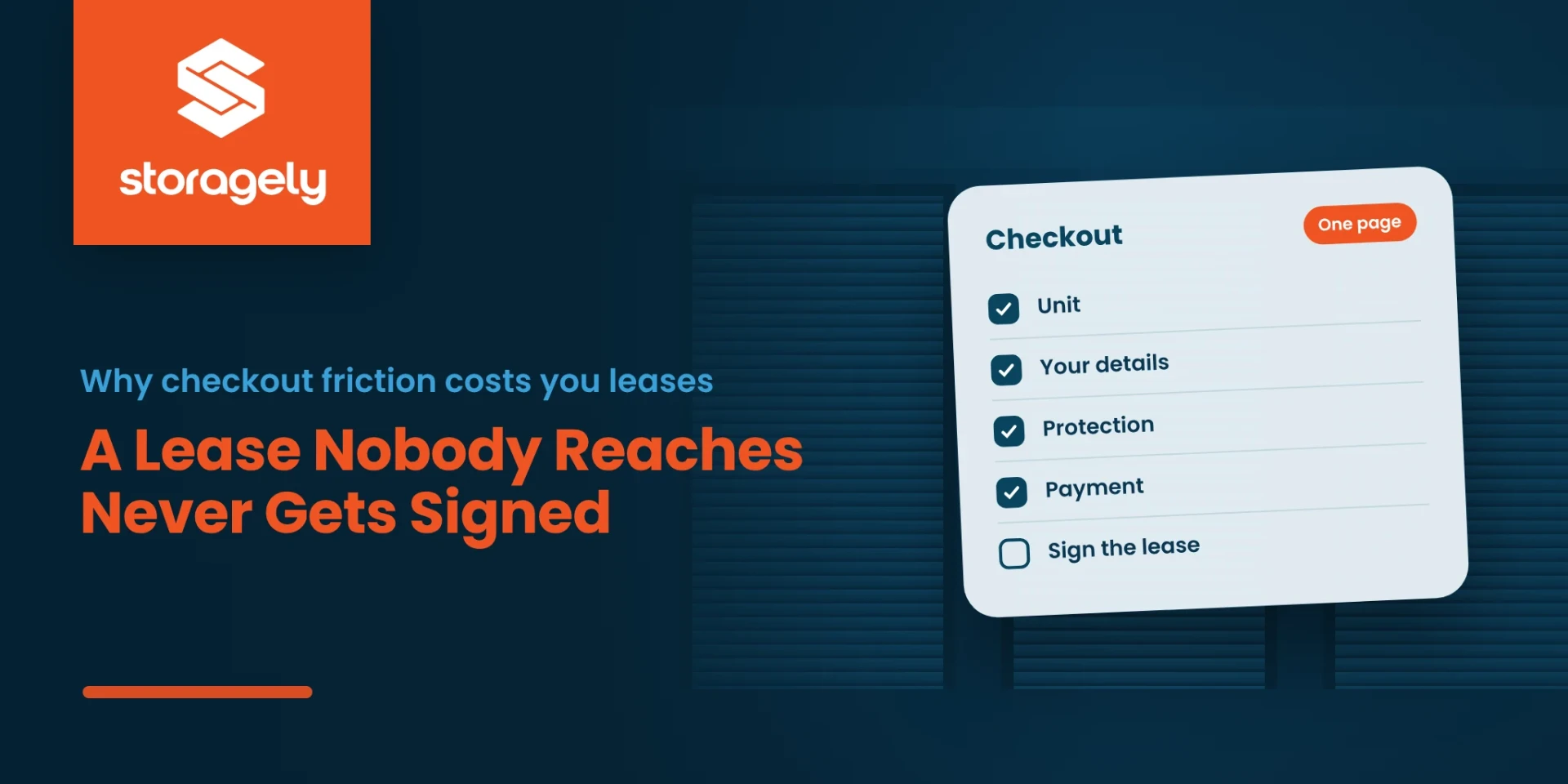
In an online rental, the order is almost always the same: choose a unit, enter details, choose protection, pay, sign. Every renter who stops before the last step is a lease that was never signed. So the most effective way to get more leases signed online is to get more renters to the end of the checkout.
Where renters stop before they ever see the lease
| Friction | Why renters leave |
|---|---|
| A checkout spread over several pages | Every new page is another chance to stop |
| Being sent to a different web address to pay or sign | It looks unfamiliar, and some renters worry it's a scam |
| Creating an account or a password | It feels like more commitment than renting a unit |
| Fees that appear only at the end | The total isn't what they expected |
| Choosing the unit again after a size guide or map | They lose their place and start over |
| A lease shown as a long document to download | It feels like paperwork, not a purchase |
| A form that's hard to use on a phone | Most storage shoppers are on their phones |
What a lease-friendly checkout looks like
- One page. Unit, details, protection, payment and signature in one place.
- Your own web address. The renter never leaves your site to pay or sign.
- The total before the card. An itemized "due today", then the monthly rate.
- The signature where they already are. The lease terms appear in the checkout, and the renter signs on the same page.
- Built for a thumb. Large fields and a pinned button on phones.
- A way back. If a renter stops, an automatic follow-up brings them back to finish.
See a one-page checkout broken down, part by part.
How it works in Storagely
A renter picks a unit, fills in one form, and signs. A typical rental takes about 60 seconds.
- Lease terms from your FMS. Pricing, availability and lease terms are read from your facility management software, so the agreement is always the one you set.
- Signature inside the checkout. Through Tenant Connect, renters sign the lease on the same page. It's included on Growth and Dominate, and available as an add-on on other plans.
- The lease lands in your system. The signed lease, the tenant and the payment go back to your facility management software, so nobody retypes anything. A renter can sign at midnight, and the lease is waiting before the office opens.
- Recovery for renters who stop. Abandoned rental recovery (Growth and Dominate) follows up automatically.
FAQ
Why do online leases go unsigned?
Usually because the renter leaves the checkout before reaching the lease. Extra pages, redirects, surprise fees and account creation all lose renters before the signature step.
Can renters sign a storage lease online?
Yes. In Storagely's checkout, renters sign inside the checkout through Tenant Connect, and the signed lease goes to the operator's facility management software.
How long does it take to rent and sign online?
About 60 seconds for a typical rental on Storagely's one-page checkout.
What happens if a renter stops before signing?
With abandoned rental recovery (Growth and Dominate), the renter gets an automatic follow-up with a way back to finish.
Related reading
- Self storage rental agreement: what to include
- Inside a self storage online checkout
- Self storage website best practices
Get more renters to the signature
Book a demo, and we'll walk a rental on your own units from search to signed lease.