Self Storage Business Plan: The Website Plan Most Operators Leave Out
· Storagely · 7 min read · Updated
What goes in a self storage business plan, plus the part most plans miss: a website plan that starts at the domain and goes live when you break ground.
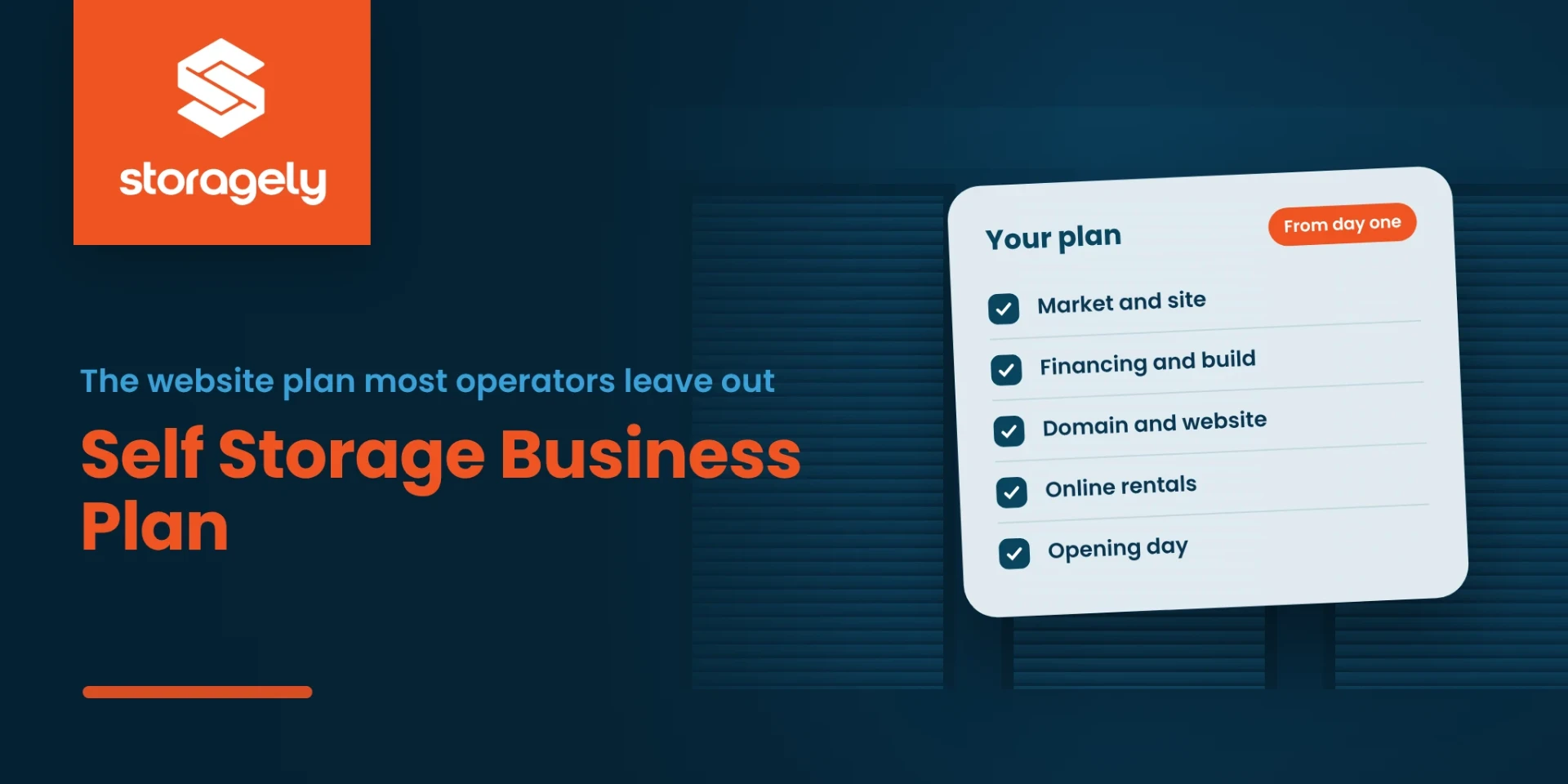
A self storage business plan covers the market, the site, the build, the money and the operations. Lenders and partners expect those sections, and there are good guides and consultants for each one.
Most plans leave out the part that decides how fast a new facility fills: how renters will find it online. This guide covers the standard sections briefly, then the website plan in detail, starting before you own the land.
For the whole path to opening, read how to start a self storage business.
What goes in a self storage business plan
| Section | What it answers |
|---|---|
| Market and feasibility | Is there enough demand nearby, and what are competitors charging? |
| Site and zoning | Where will it go, and can you build storage there? |
| Facility and construction | How big, which unit mix, climate-controlled or not, and on what schedule? |
| Financing | How the build and the first year are paid for |
| Operations and software | Who runs it, which management software, and which access control |
| Marketing and the website | How renters will find you, and how they'll rent online |
| Financial projections | Rent, occupancy, expenses and cash flow over the first years |
Most guides treat "marketing" as a line item. For a new facility, it's a plan with its own timeline, and it starts earlier than most owners expect.
Why the website plan starts before you open
Search engines take time to find, understand and trust a new website. A brand-new facility on a brand-new website usually starts with no rankings, no reviews and no history. Established competitors already have all three.
The fix is to start early. Give Google something to find, and keep feeding it, long before opening day. Bluebird Self Storage started its search work 18 months before opening, and rented 103 units in its first month without paid advertising. Read the Bluebird case study.
Step 1: Choose your name and your domain
Before you sign anything with a designer, check that your facility name works online:
- Is the domain available? Search for your name with ".com". A short, easy-to-spell domain that matches your facility name is easiest for renters to remember.
- Is the name already taken locally? Search Google Maps for the name in your area, so you don't open next to a facility with the same name.
Consider an established domain. If your name isn't available, or you're choosing a name anyway, an established domain may be worth a look. A domain that has hosted real storage content for years may already have links from other websites and a history with search engines.
You can find domains for sale on marketplaces such as Sedo, and check when a domain was first registered with a WHOIS lookup such as GoDaddy WHOIS. Look for the "Creation Date".
What the registration year tells you:
| First registered | What it can mean | What to check |
|---|---|---|
| 2010s | Over a decade online | Whether it was ever a real business site, or only parked |
| 2005 to 2009 | One of the earlier domains in many industries | Its past content, and who links to it today |
| 2000 to 2004 | Registered in the early web | Whether its history is about storage, moving or your area |
| 1999 and older | Among the oldest names on the web, from before Google (registered in 1998) was widespread | The full history: who owned it, what it hosted, and whether it ever carried spam |
The year is a reason to look closer, not a value on its own. What helps is a clean history that matches what you'll use the domain for. Before you buy:
- Check what it used to be. Look the domain up on the Wayback Machine to see its past websites.
- Make sure the history is real. If a domain expired and was re-registered, its creation date may show the newer date, and its old links may point to pages that no longer exist.
- Avoid spam history. A domain that once hosted spam, casino, adult or unrelated content can work against you.
- Keep it relevant. Google's spam policies treat buying an expired domain and repurposing it mainly to manipulate rankings as abuse. An established domain helps when you use it for what it was: a real storage business.
At Storagely, we know the value of an early name: StorageInc.com was registered on April 25, 1997. See what's next for StorageInc.com.
Step 2: When you break ground, launch the website
You don't need units to rent to have a useful website. When construction starts, put up a real site, not a "coming soon" page:
- a page for the location, with the address, the storage types you'll offer and the expected opening;
- a way to join a waitlist or reserve early;
- photos of the build as it progresses;
- pages for the town and the storage types renters search for, such as "climate controlled storage [town]" or "RV storage [town]".
Each update gives search engines something new to crawl. By opening day, the site already has months of history. Read more about pre-launch websites.
Step 3: During construction, build trust signals
- Google Business Profile. Set it up and verify it as soon as Google allows, then add photos and hours.
- Local links. Your chamber of commerce, local business directories, and partners such as movers, realtors and apartment complexes.
- Local content. Short pages or posts that answer what renters in your area ask.
Step 4: Before opening, turn on online rentals
Connect the website to your management software, so renters see live units and prices and can reserve or rent online from day one. Many renters rent at night, when the office is closed. See how a one-page checkout works.
Step 5: After opening, measure by rentals
Track online rentals and reservations by source, ask your first tenants for reviews, and keep adding content. Read how to budget for self storage SEO.
The website plan, on one page
| When | What to do |
|---|---|
| Before you buy the land | Choose the name, check the domain, consider an established domain with a clean, relevant history |
| When you break ground | Launch the real website: location page, storage types, waitlist or early reservations |
| During construction | Google Business Profile, local links, local content, build photos |
| Before opening | Connect your management software, turn on online rentals and reservations |
| After opening | Track rentals by source, collect reviews, keep publishing |
How Storagely helps new facilities
- Storagely websites: location, city and storage-type pages, written from your facility details.
- Online rentals and reservations, with live units and prices from your management software.
- SEO Assist, Storagely's hands-on SEO service, for a local SEO audit, keyword and content strategy, technical fixes and quarterly reporting.
Links:
FAQ
What should a self storage business plan include?
Market and feasibility, site and zoning, facility and construction, financing, operations and software, marketing and the website, and financial projections.
When should a new self storage facility launch its website?
When you break ground, if not earlier. A real site with a location page and a waitlist gives search engines months to find and trust it before opening day.
Does an old domain help SEO?
Not because of its age alone. Google has said domain age isn't a ranking factor. An established domain can help when it has a clean history, links from real websites, and content about the same subject. Check its history before you buy.
How do I find out how old a domain is?
Use a WHOIS lookup, such as GoDaddy WHOIS, and look for the creation date. Then check its past websites on the Wayback Machine, because a domain that expired and was re-registered may have lost its history.
Where can I buy an established domain?
Domain marketplaces such as Sedo list domains for sale. Check each one's history and links before you buy.
Related reading
- Pre-launch SEO case study: Bluebird Self Storage
- Pre-launch websites for self storage facilities
- Self storage marketing plan template
Planning a new facility?
Book a demo, and we'll map out a website plan from domain to opening day.