The Five Self-Storage Website Questions Operators Asked Us Most
· Storagely · 5 min read · Updated
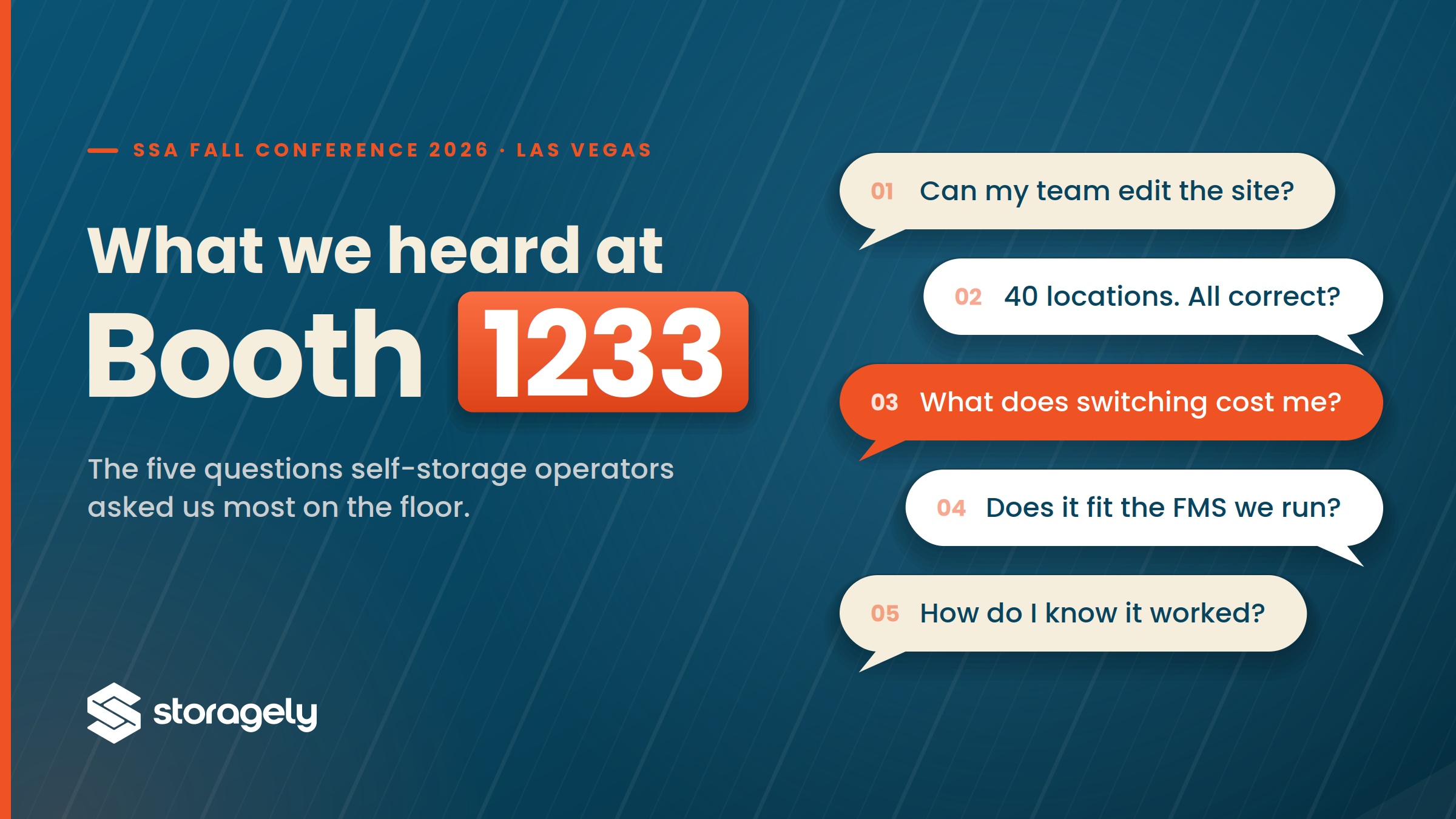
Two days on the floor. One booth. Five questions that kept coming back.
We went to the SSA Fall Conference to show operators Storagely 3.0.1. We spent most of the two days listening instead. Operators came to Booth 1233 with something specific on their mind, and it wasn’t just about our new feature list. It was the part that comes after the contract is signed: Who touches the self-storage website, how long the move takes, and whether anyone can prove it worked.
Five questions came back again and again. We wanted to group them by what they were actually about, with the same answers we gave on the floor.
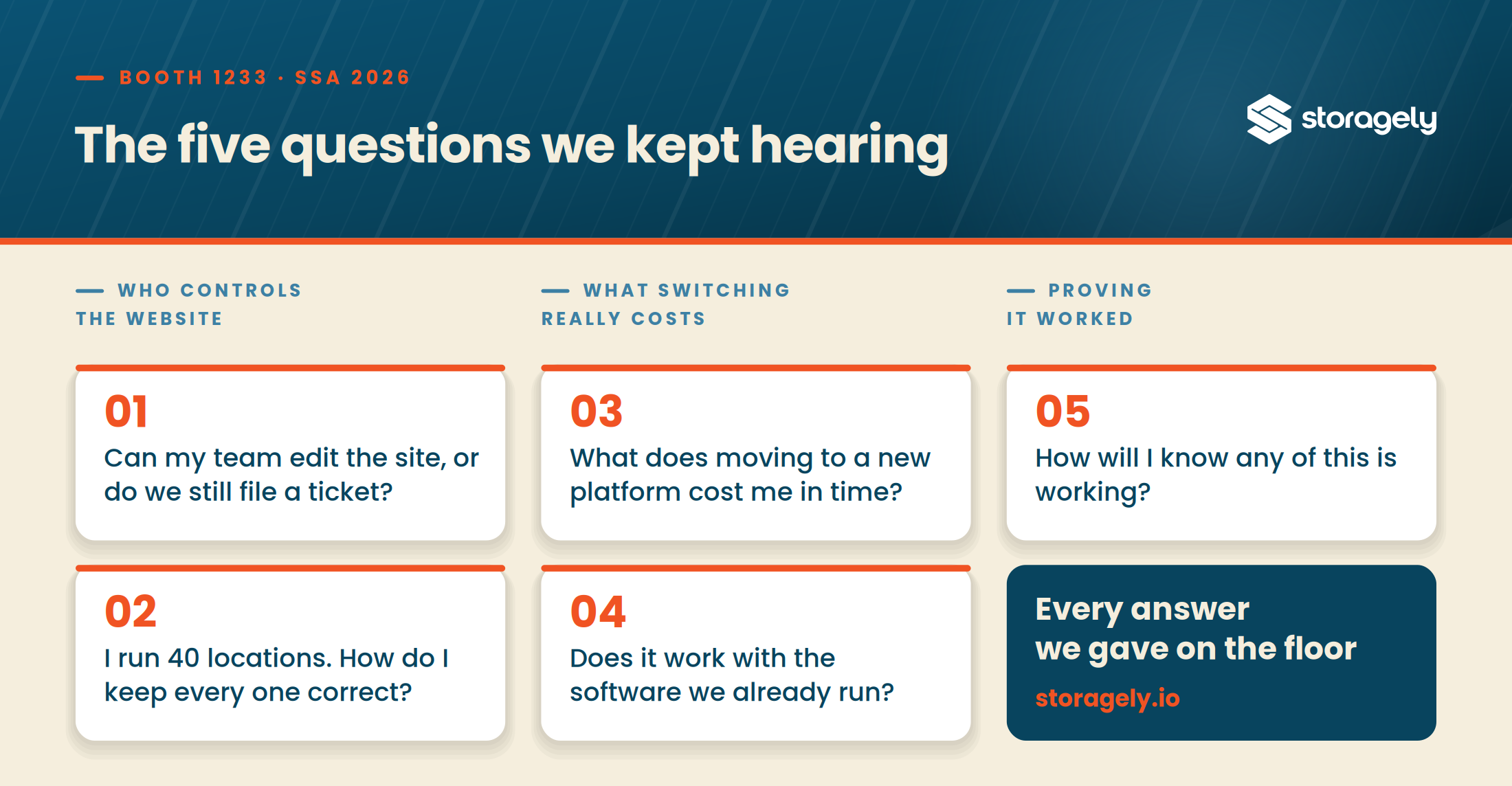
THEME ONE: WHO ACTUALLY CONTROLS THE WEBSITE
“Can my team edit the site, or do we still file a ticket?”
This one came up more than any other, and it almost always arrived with a story attached. A price change that took nine days. A simple photo swap that needed a developer.
We heard it at other booths too. Almost every provider on that floor was promising some version of "edit your own site, no ticket required." The promise is easy to make. What sits behind it is different everywhere you go, so the promise alone is not much help when you are trying to choose. The sharper question is about boundaries. Once the demo ends and you are alone in the editor, how far does your access actually reach? Are you getting a new capability, or an easier way to make the same narrow edits?
Our answer is more options, more customization, and easier editing, in that order.
FLEX is drag-and-drop, built only for self-storage, so you assemble location pages out of storage components instead of generic blocks. Those components are also where your FMS integration lives, so a unit you place on a page arrives already pulling live pricing, real availability and current promotions from your system. Rewrite a headline, swap a photo, add or move a section, publish it. The boundary keeps going past that. Restyle a component and save it as a preset. Apply that preset to one page or across the portfolio. Reach the labels and the field connections underneath, which is the layer most platforms keep on their side of the wall. Edit one location or every location at once.
Your marketing coordinator ships all of that without opening a ticket. But our Storagely team is still always happy to lend a helping hand when you need it.
“I run 40 locations. How do I keep every one of them correct?”
Same worry, bigger number. Some operators said twelve. One said more than three hundred.
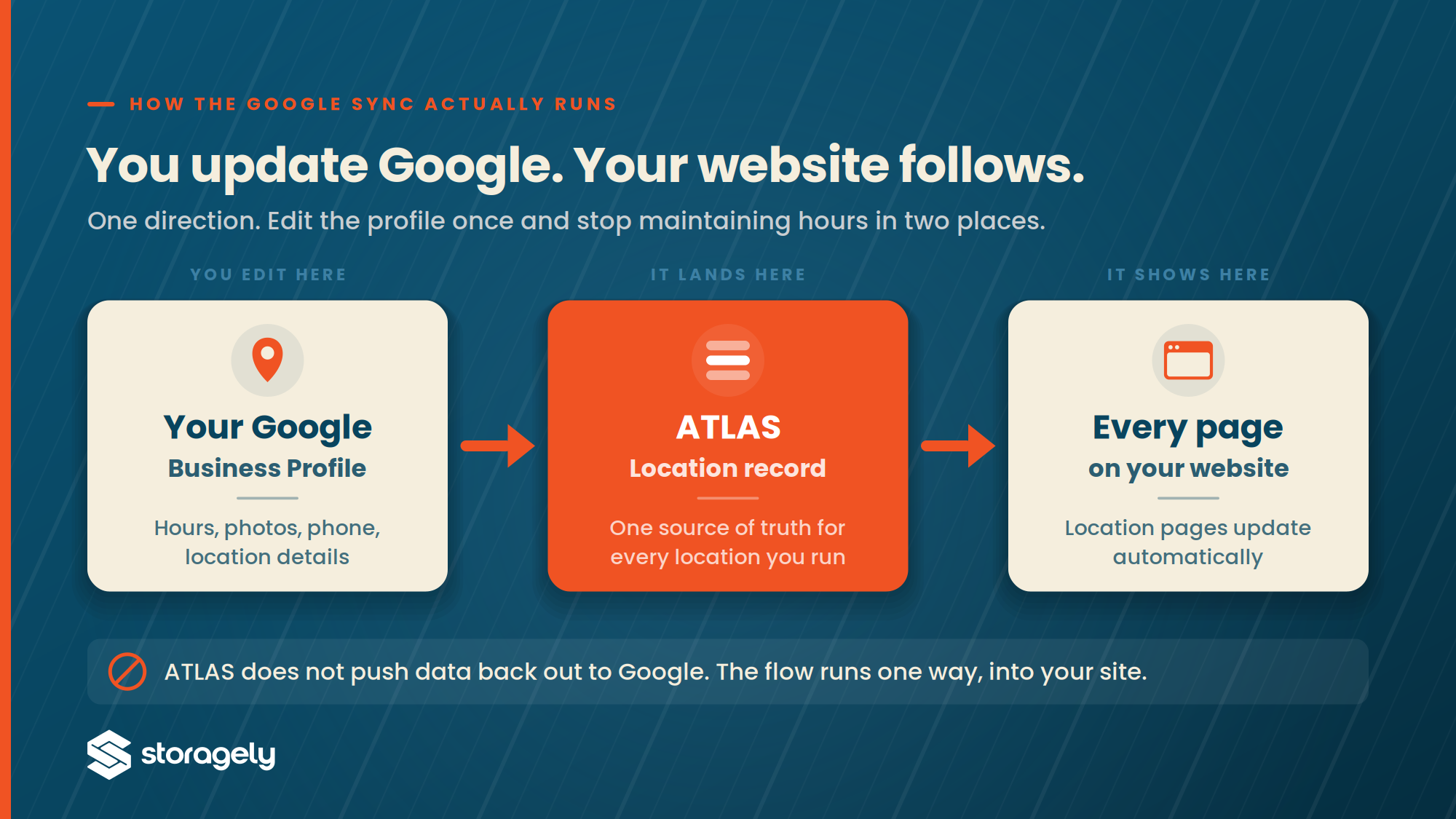
ATLAS is the answer, and it was the part people underestimated until they watched it. Every address, phone number, office hour, access hour, price, promo, amenity and photo lives in one location record. Change it once and every page that uses it updates.
The piece that got the strongest reaction was Google Business Profile sync. Edit your hours or your photos in your Google Business Profile and it syncs with ATLAS, sending those changes straight to your website. Most operators in that booth had been keeping the same information in three places for years. Google, whatever spreadsheet their company treats as the source of truth, and then the website on top of that. Three copies, three chances to drift, and they had quietly stopped expecting any of them to match.
THEME TWO: WHAT SWITCHING REALLY COSTS
“What does moving to a new platform actually cost me in time?”
Almost nobody asked this about money first. They asked about weekends. Everyone on that floor has lived through a migration, and they wanted to know what this one would take out of their team.
Onboarding runs in weeks, not months. There is no spreadsheet exercise, no source-of-truth document to assemble, no email chain that runs into next year. You pick DIY or full service depending on how much your team wants to own and your budget. Once you are live, new locations can come online in days, which is the part that matters when you are growing, and a closing date is not going to wait for your self-storage website.
“Does it work with the software we already run?”
The shortest question and the shortest answer. Storagely works with Storable EDGE, SiteLink, Self Storage Manager, QuikStor, Monument and Cubby.
Your facility management software stays exactly where it is. Update a unit type or a rate there and your site updates automatically. Nobody is asking you to run your operation out of two systems that disagree.
THEME THREE: PROVING IT WORKED
“How will I know any of this is working?”
The sharpest question we got all week, and the one operators pushed hardest on. Several had been handed a dashboard before and could not get a straight answer out of it.
Scorecard is where that lands. Traffic, keyword rankings, Google review sentiment, conversions and completed rentals sit in one connected view instead of four tabs that tell different stories. You can read it location by location rather than as a portfolio average, which is usually where a struggling store hides.
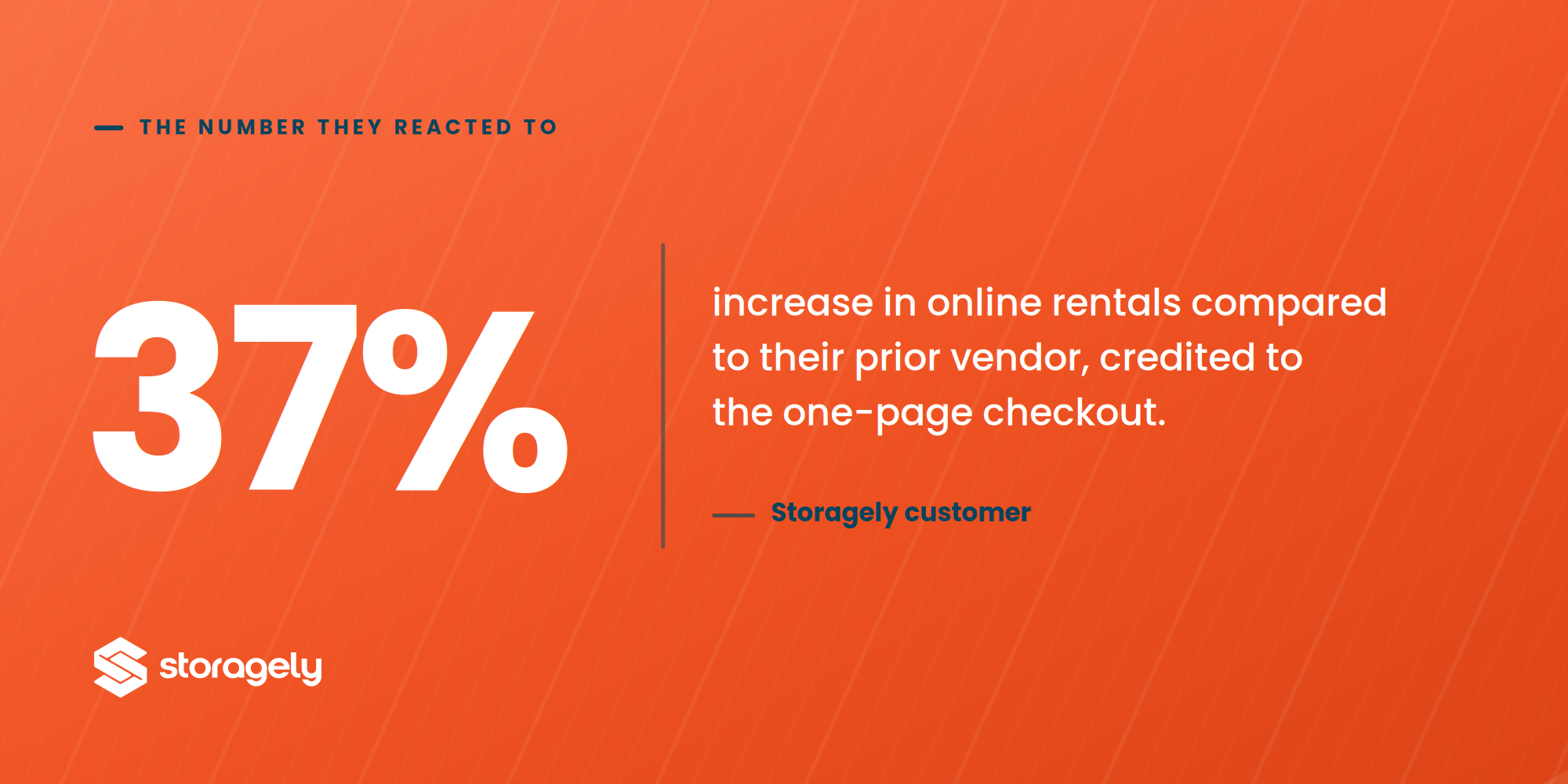
The number operators reacted to most was one of ours: A Storagely customer reporting a 37% increase in online rentals compared to their prior vendor, which they credited to the one-page checkout.
THE TRUE QUESTION UNDERNEATH THE TOP FIVE
Read them together and they collapse into one question asked five ways. How much of my own self-storage website do I actually control?
That is the question Storagely 3.0.1 was rebuilt to answer. More control over what you change. Faster launches when you grow. Better performance you can point to.
Booth 1233 is packed up. The answers are not. If one of these five was your question too, we would rather show you than just tell you.