There's no single price for self storage SEO, because "SEO" covers very different things. Some of it is built into your website. Some of it is hands-on work someone does every month. Knowing which is which is the first step to a budget that actually moves rankings and rentals.
This guide covers what you pay for, the common pricing models, how to set a budget for each location, and how long to give it.
What you're paying for
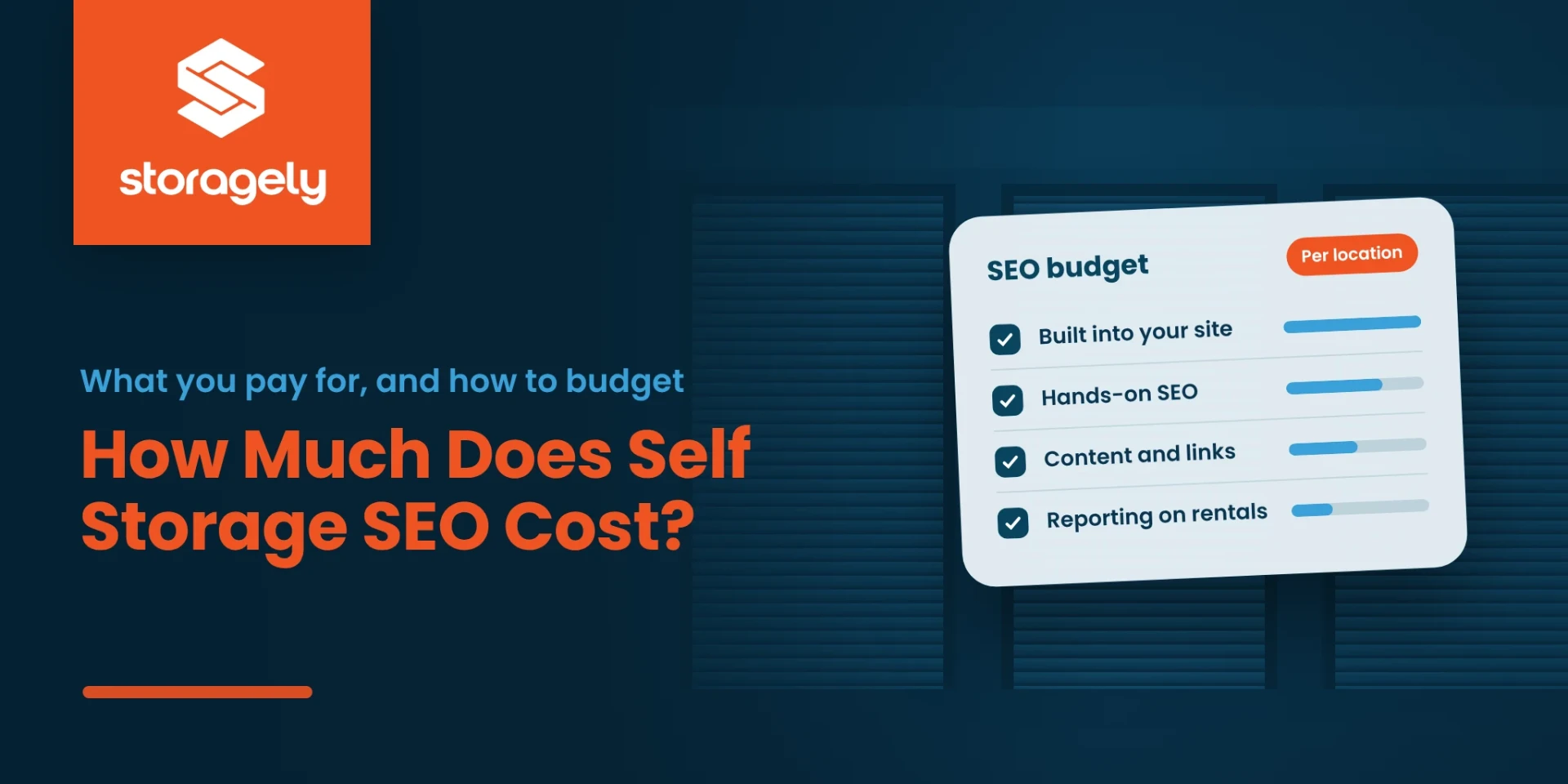
Self storage SEO comes in two parts. Use the SEO checklist to check what each part covers.
Built into your website. These are the technical and local foundations every page needs:
- fast pages;
- clean URLs and redirects;
- a page for each location and storage type;
- schema markup;
- your Google Business Profile details kept in sync.
On some website platforms these are included in the monthly fee. On others, someone has to build and maintain them for you.
Hands-on work. People doing the ongoing work:
- local SEO audits;
- keyword and content strategy;
- writing pages and posts;
- fixing technical issues;
- building local links;
- reporting on what changed.
This is what most "SEO services" quotes are for.
See the complete self storage SEO guide for what each part involves.
Common pricing models
| Model | How it works | Watch for |
|---|---|---|
| Included in your website plan | Technical and local SEO features come with the platform, priced per location | Which features are on your plan, and which need a higher tier |
| Monthly retainer | A fixed monthly fee for ongoing SEO work | What work is done each month, and how results are reported |
| Project or audit | A one-time fee for an audit, a site migration or a content build-out | What happens after the project ends |
| Hourly | You pay for time spent | Who decides how hours are used |
Many operators combine two: SEO built into the website, plus a retainer or a project for the hands-on work.
What drives the cost
- Number of locations. Each location needs its own page, Google Business Profile and local signals.
- Local competition. A facility surrounded by REITs and large operators needs more work than one in a quieter market.
- Where your site starts. A site with broken redirects, missing location pages or slow checkout needs fixing before new content pays off.
- How much content is needed. City pages, storage-type pages and posts all take time to write well.
How to set your SEO budget
- Start from rentals, not rankings. Decide how many more rentals each location needs from search.
- Separate the foundation from the work. Check what your website already includes before paying someone to build it.
- Budget per location. Give the locations with the most competition, or the most empty units, the most work.
- Commit for a fixed period. In our experience, SEO budgets work best measured in blocks of three to six months. Changing them every month or two rarely gives the work time to show.
- Review on rentals. Each quarter, look at search visibility, website rentals and rentals by source for each location.
How long it takes
SEO is slower than ads. Technical fixes take effect as soon as Google recrawls your pages, but rankings usually move over months, not weeks. In our experience:
- moving from page 2 to page 1 takes longer than getting onto page 2;
- moving into the top three of page 1 takes longest of all;
- the first year matters most, and cutting the budget early often undoes progress;
- once a location ranks well, it can move to a lighter maintenance level, and new locations added later tend to rank faster.
How fast depends on your market, your competitors and where your site starts.
Questions to ask an SEO provider
- What exactly will you do each month, for each location?
- What's already included in my website, and what are you adding?
- How will you report results, and will you report on rentals, not just rankings?
- Who owns the content, the Google Business Profile and the accounts if we part ways?
- What happens to my rankings if I change website providers?
Be wary of anyone who promises a #1 ranking. No one controls Google's results.
What SEO costs with Storagely
Storagely is a website and online rental platform with SEO built in. It's priced per location, per month:
| Plan | Price per location, per month | SEO included |
|---|---|---|
| Lite | $99 | Technical and local SEO, Google Business Profile sync |
| Starter | $149 | Technical and local SEO, Google Business Profile sync |
| Essential | $299 | Adds schema markup, city and state pages and the blog |
| Growth | $399 | Adds AI visibility tracking |
| Dominate | $549 | Everything in Growth |
Prices as of October 2026. See current pricing.
- Local Advantage is an optional add-on at $175 per location per month.
- SEO Assist is Storagely's hands-on SEO service, priced by custom quote. It includes a local SEO audit, keyword and content strategy, technical fixes and quarterly reporting.
See Storagely's self storage SEO services.
Frequently asked questions
How much does self storage SEO cost per month?
It depends on how many locations you have, your competition and how much hands-on work you need. Some website platforms include technical and local SEO in the monthly fee. Hands-on SEO work is usually a monthly retainer or a project. Get quotes per location, and compare what work each includes.
Is SEO cheaper than Google Ads?
They're paid differently. Ads cost money for every click, and stop when you stop paying. SEO takes longer to work, but rankings you've earned keep bringing in renters. Many operators use both.
How long should I commit to an SEO budget?
In our experience, at least six months before judging results, and a full first year for a new site or a competitive market.
What's included in Storagely's SEO?
Every plan includes technical and local SEO and Google Business Profile sync. Higher plans add schema markup, city and state pages, the blog and AI visibility tracking. SEO Assist adds hands-on help.
Related reading: Self storage SEO: the complete guide · How to choose self storage keywords · How much self storage software costs · Storagely SEO services
See where your location stands in search
Run a free Scorecard on one location to see its search visibility, reviews and website health before you set a budget.

Written by
Storagely