How to Rank Your Self Storage Facility on Google Maps
· Storagely · 4 min read · Updated
How to get a self storage facility to show up on Google Maps: what decides map rankings, the profile settings that matter, fixing common problems and tracking results.
When someone searches "storage units near me", Google shows a map with three facilities before any website. Getting into those three, and into Google Maps itself, is often worth more than any other local work. This guide covers what decides map rankings for storage facilities, the settings that matter, and how to fix the problems that keep a facility off the map.
For the bigger picture, see the local self storage SEO guide.
What decides who shows on the map
Google ranks map results on three things:
- Relevance: how well your profile matches the search. Your category, services and description, plus your website's content, all count.
- Distance: how close the facility is to the searcher, or to the place in the search. You can't change this, which is why rankings drop off as searchers get further away.
- Prominence: how well known you are online: your reviews, mentions across the web, and the strength of your website.
Because of distance, there's no single "map ranking". You might be first two streets away and absent five miles out. That's normal, and it's why tracking matters (see below).
Step 1: get the profile basics exactly right
- Primary category: "Self-storage facility". Add secondary categories only for what you really offer.
- Name: your real business name, exactly as it appears on your sign. Don't add keywords.
- Address: a real storefront address. Hide it only if renters truly can't visit, which is rare for storage.
- Hours: office hours as the main hours. Add access or gate hours where Google offers them for your category, and set holiday hours ahead of time.
- Phone and website: a local number, and a link to this location's own page.
Step 2: give Google more to match
- Services and attributes: list the unit types and features you offer (climate control, drive-up, vehicle parking), so you match more searches.
- Description: a plain summary of the facility, written for renters.
- Photos: real photos of the entrance, gate, office, hallways and a clean unit. Add new ones every few months.
- Booking: a booking action lets renters reserve straight from the map. Reserve with Google from Storagely adds one, and shows your unit types and starting prices.
Step 3: build prominence
- Reviews: ask every new tenant at move-in, with a direct link, and reply to every review. A steady flow of recent reviews helps more than a burst followed by silence.
- A matching location page: the same name, address and phone as the profile, with hours, photos, reviews and live units.
- Consistent listings: fix old addresses, phone numbers or names on directories and listing sites, especially after a sale or rebrand.
- Local mentions: partnerships with local businesses, community sponsorships and local news coverage, each with a link to your location page where possible.
Fixing common problems
| Problem | What to check |
|---|---|
| The facility doesn't show at all | Is the profile verified? Is the primary category "Self-storage facility"? Is the address correct and visible? |
| Duplicate listings | Search Google Maps for your name and address. Request removal of duplicates, or merge them, through Google Business Profile support. |
| The profile was suspended | Check for keywords in the name, a mismatched address, or an unverified edit. Fix the cause, then request reinstatement. |
| Rankings dropped suddenly | Look for recent edits to the name, category or address (yours or suggested ones), new competitors nearby, or a drop in new reviews. |
| Shows for the brand name but not for "storage near me" | Usually relevance or prominence: add services and photos, link the profile to a strong location page, and keep reviews coming. |
Step 4: track where you rank
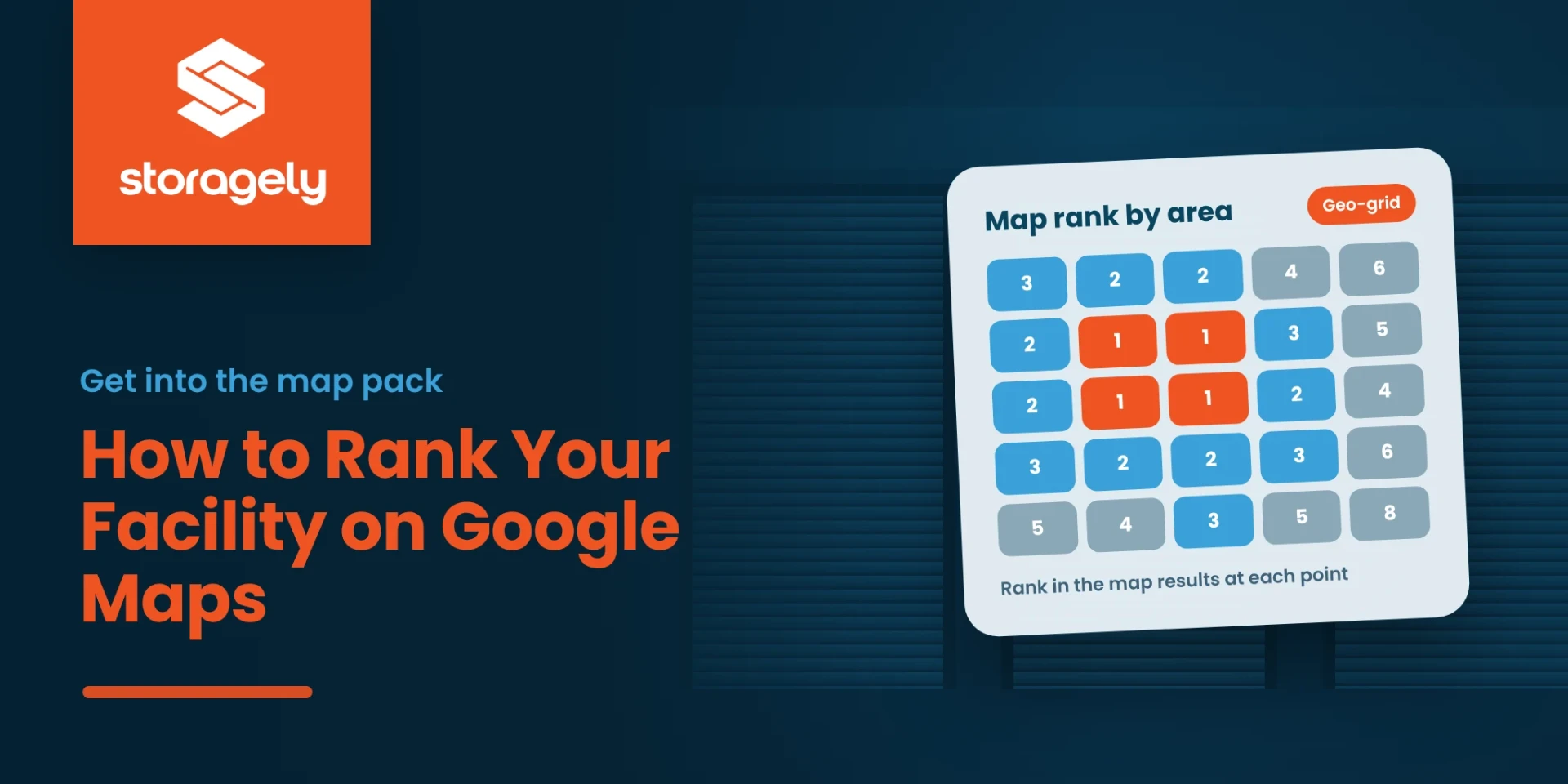
Check rankings from many points around the facility, not just one search from your office. A geo-grid shows your position across a grid of locations, so you can see where you win and where you drop off. Storagely's free Scorecard includes a local visibility geo-grid for one location.
Each month, also compare each profile's performance report (calls, direction requests, website clicks, bookings) with the rentals that location produced.
FAQ
How long does it take to rank on Google Maps?
Fixes to your profile can show within days or weeks. Prominence, meaning reviews and mentions, builds over months.
Why does my facility rank well near the office but not across town?
Distance is a ranking factor. Strong relevance and prominence widen the area where you show up, but they can't remove distance.
Do reviews help Google Maps rankings?
Yes. The number, rating and recency of reviews contribute to prominence, and they strongly affect which facility a renter picks.
Should I put keywords in my business name?
No. Use your real name. Adding keywords breaks Google's guidelines and can get the profile suspended.
Related reading
See where you show up on the map
Get a free Scorecard for one location, including a local visibility geo-grid.