AI Editing and Your Self-Storage Website: What Happens After You Hit Enter?
· Storagely · 7 min read · Updated

AI Editing Has Arrived in Self-Storage
If you have looked at website software lately, you have probably seen a new promise: Tell an AI tool what you want, and it updates your website for you. Want a new promo banner? Ask for it. A different unit layout? Ask for that. A feature you spotted on another facility's self-storage website? Ask for that too.
For operators who have waited weeks on a simple website change, that sounds like a dream. And the speed is real. AI can change a page in seconds, or really build anything you want.
But speed is only half the story. The other half happens after you hit enter, and it rarely makes it into the demo. This guide walks through what AI editing actually does to your self-storage website, where it can go right or wrong, and five questions to ask before any AI edit goes live.
Picture This
Your goal is to fly. Someone hands you a car, but they also give you the tools and permission to easily change anything you want. Bolt on wings, add a propeller, tape on a tail. Maybe it gets off the ground, maybe not. Either way, making it fly is your job, and it is still a car.
Now start with a plane. Flight is already built in, so every change is about how fast you go, how it looks, and where you are headed.
Your website works the same way. AI editing can save you time, but are you editing a tool that was designed for your goals to begin with? Should you be responsible for all the mechanics along the way? And what if something goes wrong?
At Storagely, we are fans of AI, but even bigger fans of using it the right way. So we built it right into a platform designed 100% for self-storage.
Your Prompt Is Only as Good as Your Platform
Before you type a single prompt, ask a few questions about what sits underneath it:
Was your platform built for self-storage? Or is your self-storage website on a general platform that could build any kind of site, with storage features added on top?
How good does your prompt have to be? Without knowing how to prompt well, the skills the task requires, and the right knowledge base, your results may only be as good as your prompt.
Does the AI tool know about your integrations? Depending on how your site is built, you will want to make sure your prompt edits are not ignoring or breaking your FMS or any third-party integrations.
What about security? The code it writes should pass real security checks, because your site handles renter data.
What happens when something breaks? If a newly prompted feature breaks a site you did not build, can you fix it, or do you pay extra to have it fixed?
On a general platform, most of those answers land on you.

Storagely is built for self-storage and nothing else, so your site and integrations work together with our Wingman AI tools instead of simply sitting on top.
When you want AI to do the work, Storagely’s AI copilot, Wingman, edits inside built-in guardrails that protect your integrations, your rental flow, your site’s security, and the other details renters depend on. You get the speed of AI editing without the unpredictable outcome.
What Happens After You Hit Enter
Using AI to edit your website is a huge time saver, but every edit also changes the code underneath. Like we said at the start, you can easily add wings to a car, and it still might not fly. That is why doing it on the RIGHT platform matters.
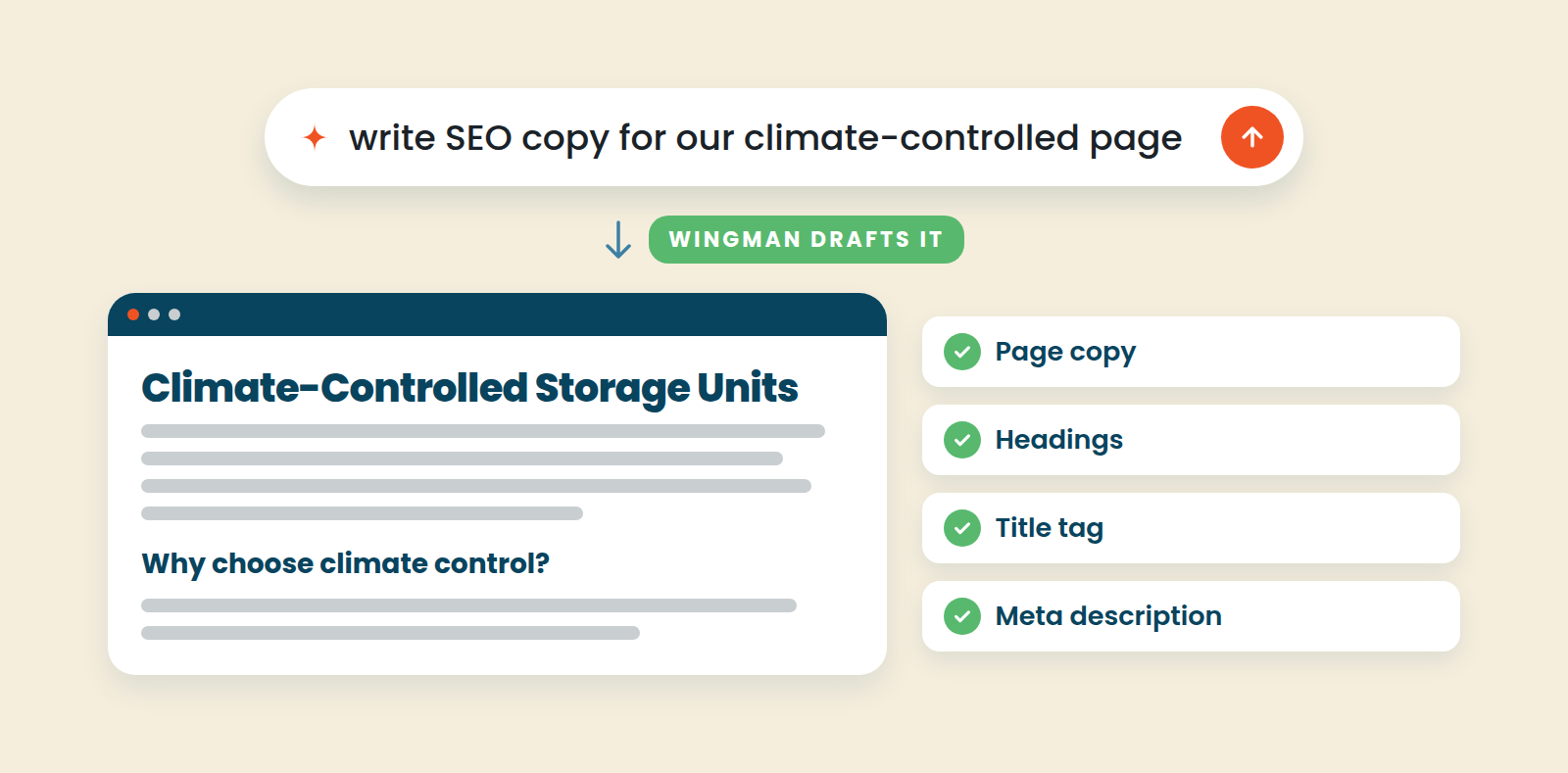
A new promo banner looks like a small change. Underneath, it is new code sitting next to your prices, your FMS connection, and the page where renters pay. If that code is well written and checked, great. If it is not, the problem may not show up until a renter cannot finish a rental.
How Storagely handles it: After you hit enter, we keep an eye on things with Pulse, Storagely’s 24/7 site monitoring.
Most website monitoring only tells you whether your self-storage website is up. But a page can load and still lose the rental. The Rent button goes nowhere, the unit list comes back empty, or checkout rejects a renter who filled in every field.
Pulse goes further. Think of it as mystery shopping for your website. It walks your self-storage website like a renter, testing every link, page, and click in the customer journey: The homepage, location pages, units, rent buttons, and checkout. To test checkout, Pulse uses a card built to be declined, so it reaches the payment step without creating a reservation or charging anyone.
When something breaks, Pulse confirms the problem, captures what happened on screen, and sends our team the page, the cause, and the exact link. The issue stays tracked until the check passes again. Learn more about Pulse.
Easy to Prompt, Hard to Maintain
So, you have gotten comfortable using AI to edit your site. Now, how do you maintain it?
The first prompt feels like magic. But what if trouble shows up a month later?
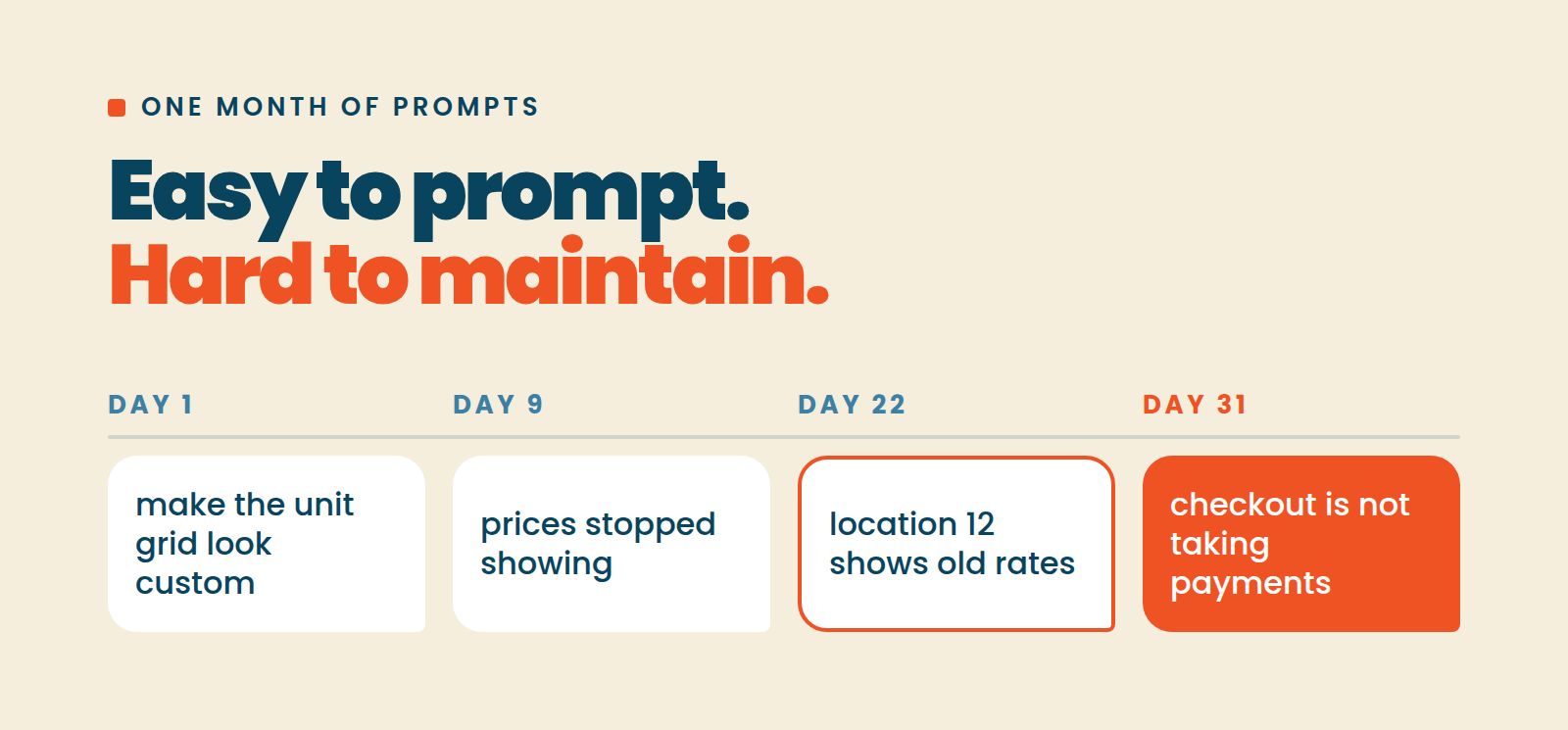
When that happens, it usually comes down to three things:
Hardcoded content goes stale. If a prompt types "$1 first month" or your hours straight into a page, that text stops updating when your FMS changes.
Locations drift apart. Edit one location page and the others stay the same. Every one-off edit makes your pages harder to update together.
Updates break old edits. When your website provider ships a new feature or update, or you commission a custom feature, will it still work with the AI code you have already written? If not, whoever fixes it has to untangle what the prompt built.
None of this makes AI editing bad. Every edit just creates something someone has to manually maintain. Over time, those one-off edits pile up into what developers call spaghetti code: Tangled, hard to follow, and even harder to fix.
How Storagely handles it: Wingman makes changes through FLEX components that pull live data from ATLAS and your FMS, so prices and hours stay current and one change reaches every location. Each FLEX component also works on its own, so an update to one does not affect the others. And because Storagely saves your site edit history, undoing a change or going back to an earlier version takes one click. And since Storagely is website software designed for self-storage, Wingman makes changes in a way that supports future functionality, maintenance, and updates.
Security: Who Checks the Code?
In Veracode's 2026 GenAI Code Security Report, roughly 44% of AI coding tasks produced code with a known security vulnerability. The same report found that AI now writes code that runs nearly 100% of the time, while its security pass rate has stayed stuck around 56%. In other words, its main priority is code that works, not code that is secure. The page loads, the button works, and nobody sees the problem.
On a self-storage website, that code sits near renter names, phone numbers and payment details. If nobody reviews that code before a renter sees it, you are the one carrying that risk.
How Storagely handles it: Wingman’s guardrails are built and maintained by our team, so any edit Wingman makes sits safely behind our strong standard of security.
Five Questions to Ask Before Any AI Website Edit
Save this list for your next self-storage website demo, whoever it is with.
Does the AI tool protect my FMS and third-party integrations? Units, rates, and availability should keep syncing after every edit.
Are there guardrails to keep a page edit from breaking checkout? You should be able to make customizations knowing your rental flow is protected.
What does it take to maintain my AI edits? Customizations should be easy to update, undo, or roll back, without untangling custom code.
Is the code the AI writes security-checked before it goes live? There should be a real answer, with a real team behind it.
Does your provider have 24/7 monitoring? It should check every page and click within your rental flow, all the way through checkout.
Ask these of any self-storage website platform you are considering. Storagely was built to answer all five.
Want to see it on your own facilities? Book a demo with us and bring your five questions.